

Sheep family · Free
File transfer that speaks network gear
Move configs and firmware to and from your devices. Browse a switch like a file manager, or switch on a built-in server and let the device pull from your Mac.
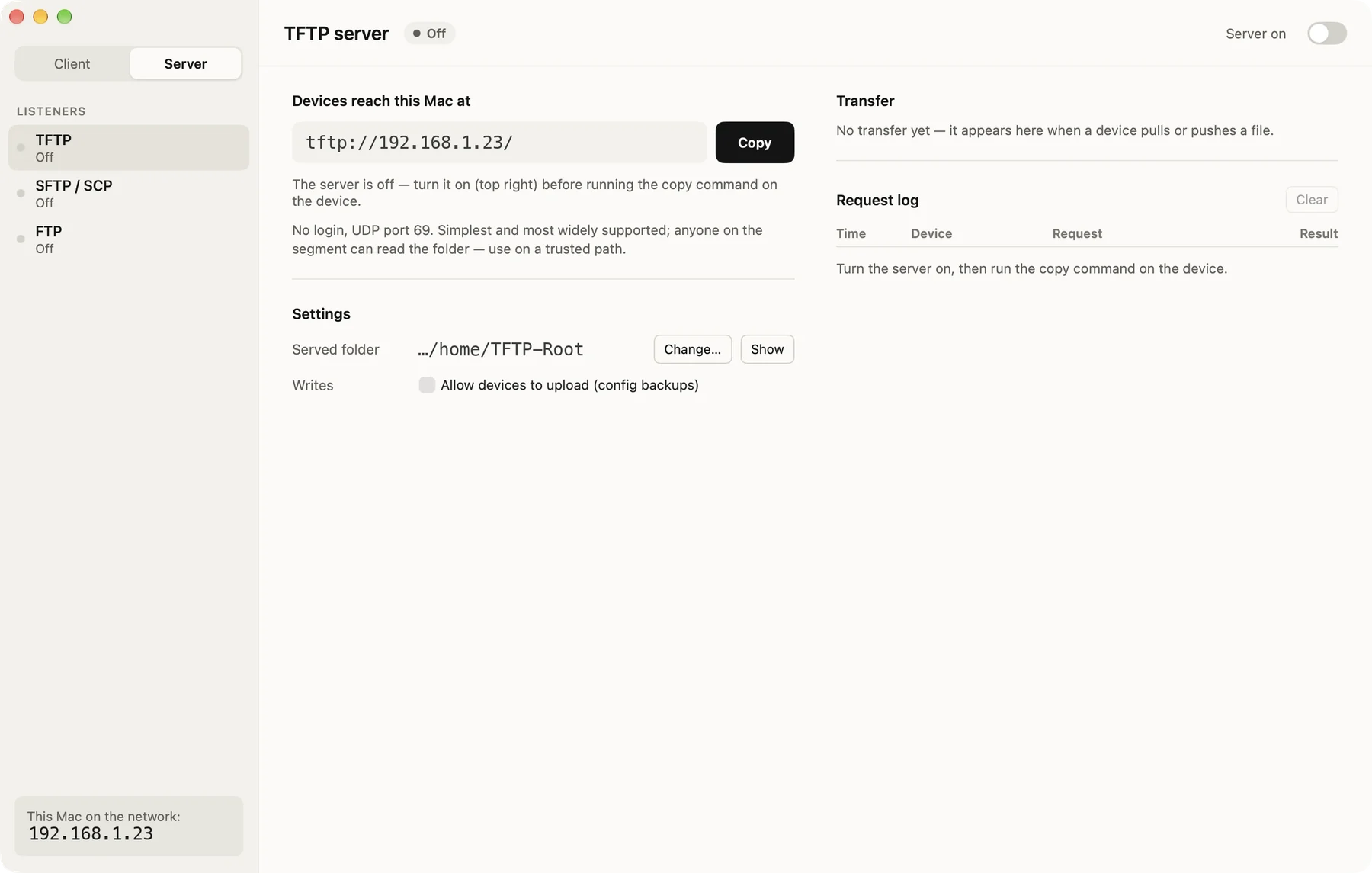
Built-in servers. One switch turns on TFTP, SFTP/SCP and FTP, so a device can run its own copy command and pull from a folder on your Mac. No separate TFTP daemon to configure.
Features
What it does
Also
- A dual-pane file manager Your Mac on one side, the device on the other, with a cd-style address bar each. SFTP keeps many requests in flight so firmware moves at full link speed, and a transfer can be cancelled at any time.
- Pinned host keys, legacy-friendly SSH Modern algorithms first, with the legacy ones old Cisco, Aruba and HPE gear is limited to. A changed host key is refused, never silently accepted.
Install
Get started in a minute
macOS
- Unzip the download and drag SheepDrop.app into
Applications. - The build is not notarized. On first launch, right-click the app, choose Open, then confirm.
- Or run once in Terminal:
xattr -dr com.apple.quarantine /Applications/SheepDrop.app - Requires macOS 26 (Tahoe) or later · Apple Silicon.
Download SheepDrop
More Sheep apps
 SheepTerm
 SheepText
 SheepTap
 SheepPing
 LabDC
LabDC LabDock