

Lab family · Free
ESXi control without vCenter
Power, snapshots, files, scripts and a live console for standalone ESXi hosts, with no vCenter, no browser and no third-party packages.
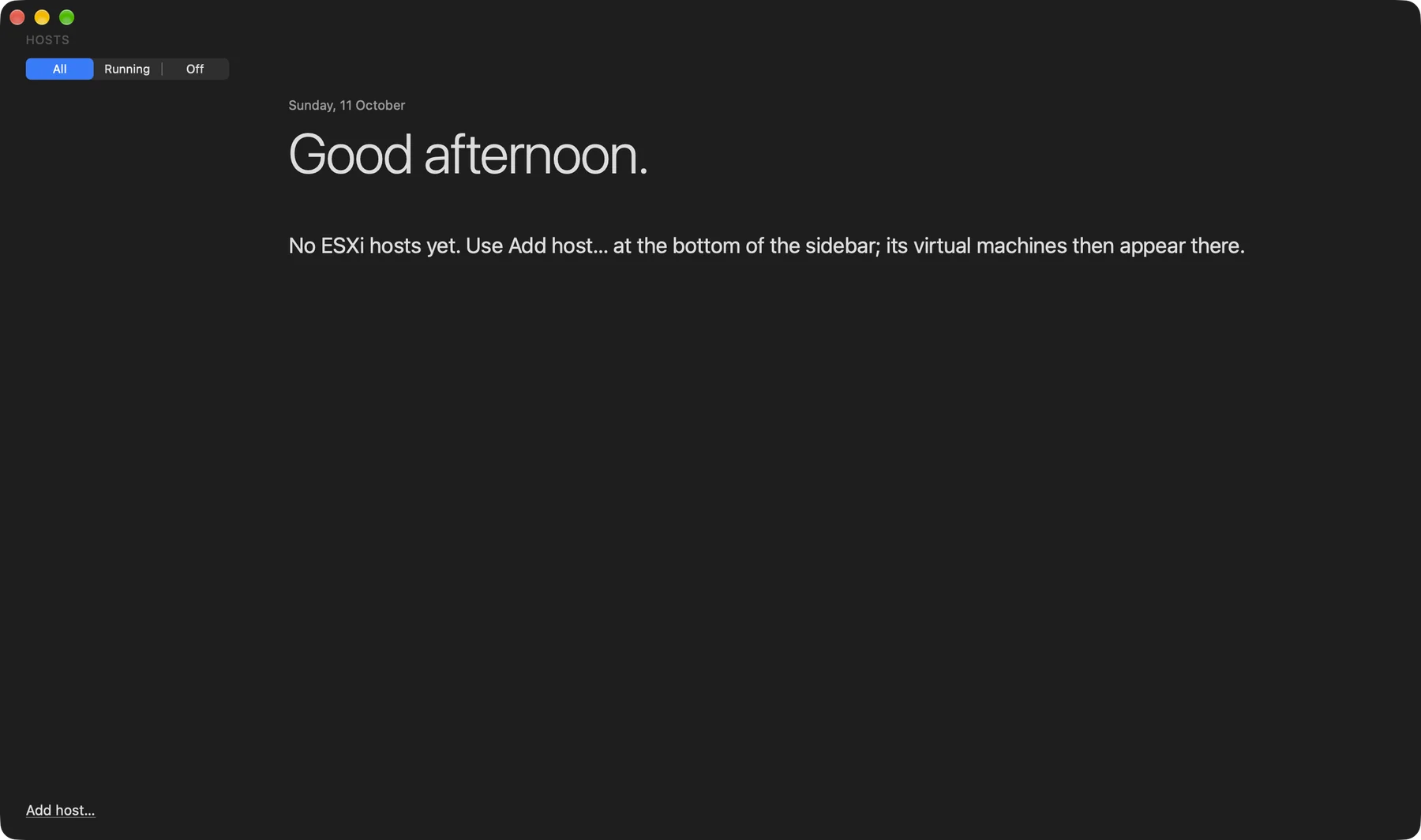
Several hosts, one sidebar. Add hosts from the bottom of the sidebar and filter All, Running or Off. Each host folds with its VMs, and the overview shows power state, guest OS, address and resources.
Features
What it does
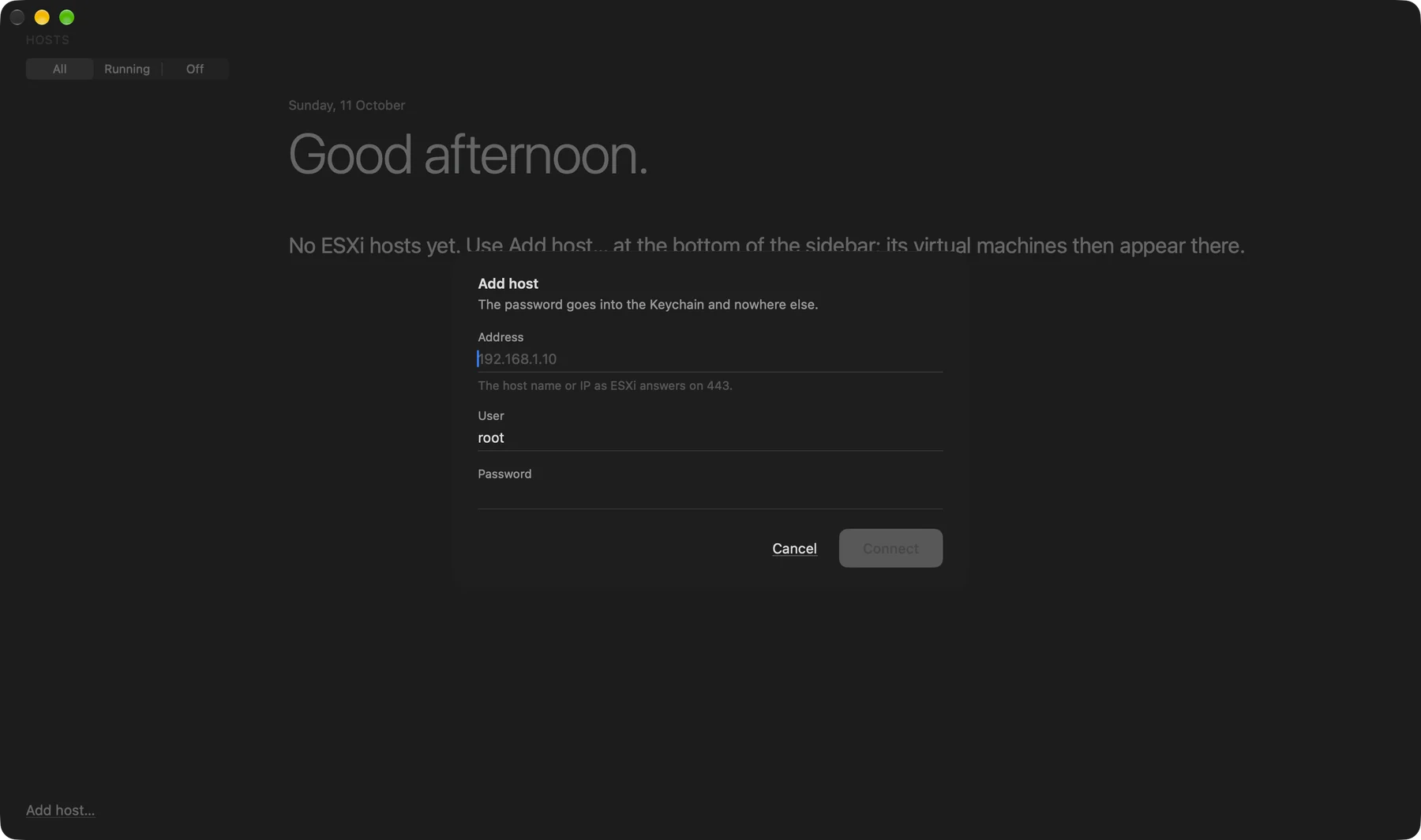
Add an ESXi host
Add a standalone ESXi host by its address and sign-in, and it appears in the sidebar with its VMs.
Also
- Power and snapshots Power on, off, reset and suspend, or shut down through VMware Tools. Take, revert and delete snapshots from a tree.
- A built-in console The host's own console stream in a native window. ⌘ works as Ctrl inside the guest, with Ctrl-Alt-Del and function keys from the Keys menu.
Install
Get started in a minute
macOS
- Unzip the download and drag LabDock.app into
Applications. - The build is not notarized. On first launch, right-click the app, choose Open, then confirm.
- Or run once in Terminal:
xattr -dr com.apple.quarantine /Applications/LabDock.app - Requires macOS 26 (Tahoe) or later · Apple Silicon.
Download LabDock
More Sheep apps
 SheepTerm
 SheepText
 SheepDrop
 SheepTap
 SheepPing
 LabDC
LabDC